

A complete soundtrack can include excellent individual elements and still feel crowded when they compete for the same moment. Seedaudio 1.5 can generate dialogue, emotional performance, music, environmental ambience, and sound effects together or as separate tracks. In Dreamina, users can also place events with timestamps, creating a stronger foundation for balancing each layer around what the audience needs to hear.
Decide what leads each moment
Every section should have a primary sound. During an explanation, dialogue usually leads. During a visual reveal, music or a product sound may take focus. In a quiet establishing shot, ambience can carry the scene.
Problems begin when all layers are treated as equally important. A powerful music cue, busy street ambience, emphatic narration, and several effects cannot all dominate at once. Write a focus map that identifies the lead element for each section.
Supporting layers do not need to disappear. They should provide context without demanding attention. This hierarchy is more important than simply lowering every volume.
Make dialogue clear before adding polish
Dialogue carries names, instructions, story information, and emotional detail. Review it alone before combining tracks. Check pronunciation, missing words, unnatural pauses, performance consistency, and whether each speaker is easy to identify.
Clarity begins in the script. Shorter sentences and well-placed pauses often work better than heavy processing. If the voice must be pushed louder to survive the mix, other layers may be too dense.
Voice direction should include tone, accent when relevant, emotion, style, rhythm, and speed. Audio-to-audio generation can use an authorized reference to guide these qualities. Preserve the approved voice track before experimenting with music and effects.
Use ambience to define space
Ambience answers where the scene takes place and how that space feels. It might include room tone, wind, traffic, crowd activity, insects, ventilation, or distant water. Choose a few defining sounds rather than filling every gap.
Distance creates realism. A conversation inside a café should feel closer than traffic outside. A person moving behind the camera should not sound as direct as the speaker in front of it. Describe foreground, middle distance, and background when spatial relationships matter.
Ambience should remain stable enough to support continuity. Sudden changes in room tone can make an edit obvious even when the picture looks smooth. Use transitions or short overlaps when moving between generated sections.
Give sound effects a narrative reason
Effects confirm actions, draw attention, reveal off-screen events, and create transitions. They become distracting when every visible movement receives emphasis.
Select effects that change understanding. A latch click confirms that a product is secured. A phone vibration interrupts a conversation. Footsteps approaching from another room create anticipation. Decorative sounds that add no information can often be removed.
Match material, weight, force, room, and distance. A ceramic cup, plastic container, and metal tool should not share the same generic impact. Keep stylized exaggeration consistent with the visual language.
Let music shape sections
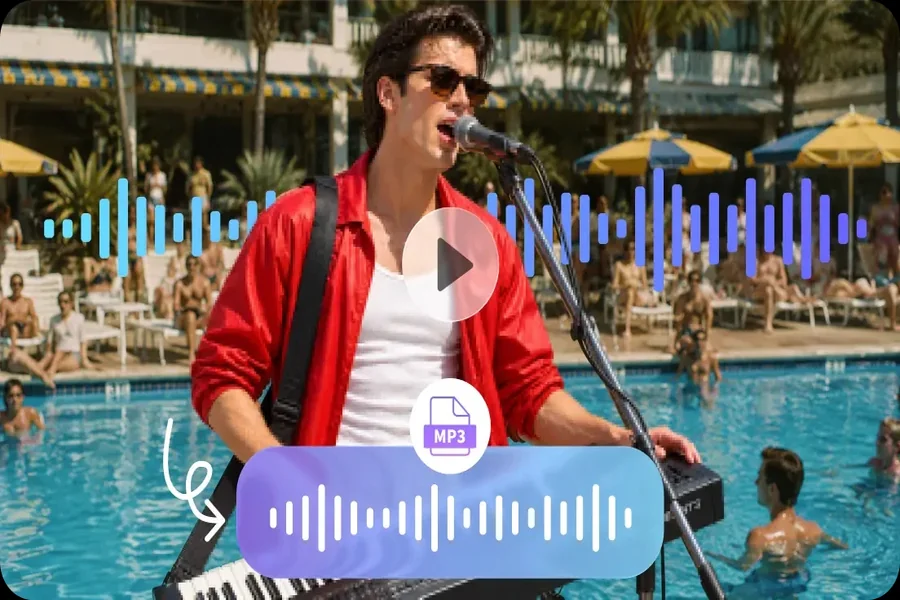
Music is powerful because it can organize time and emotion. It can open a piece, maintain momentum, bridge a cut, or give the ending a sense of completion. It can also tell the audience what to feel too early.
Describe how music changes, not just its genre. Ask for a restrained beginning, simple texture beneath speech, a lift during a visual sequence, and a clean fade before an important line. Avoid strong melodies under information-heavy narration.
Listen to the scene without music. If the story becomes confusing, music was hiding a structural problem. If it becomes emotionally neutral but remains clear, the score is doing an appropriate supporting job.
Use timestamps to prevent collisions
Seedaudio 1.5 supports complex timestamps for dialogue, music, ambience, and effects. Timing plans can prevent several elements from arriving together.
If a narrator names a feature at the exact moment a loud click and musical accent occur, the word may be lost. Move the effect slightly after the important syllable, reduce the music, or create a brief space around the line.
Build a cue sheet with time, track, event, and purpose. Exact placement is valuable for visible actions and transitions. Continuous ambience can use broader ranges so it does not feel mechanically controlled.
Use separate tracks for real control
Generating dialogue, music, ambience, and effects on separate tracks makes balancing more flexible. Each layer can be reviewed, moved, lowered, or replaced without regenerating the rest.
Solo each track first. Dialogue should sound complete and understandable. Ambience should be stable and free of distracting loops. Effects should match actions. Music should have a coherent arc. Then combine two tracks at a time before judging the full mix.
Separate tracks also make alternate versions easier. A short social cut may use less ambience, while a longer edit keeps more space. A translated voice track may require new cue positions without replacing the entire soundtrack.
Create depth with contrast
Balance is not a constant level. Quiet moments make louder moments meaningful. Sparse sections create room for dense ones. A close voice can contrast with a wide environment.
Plan reductions as carefully as additions. Before a reveal, remove a layer. During an intimate sentence, narrow the sound world. After a busy montage, allow room tone or silence to reset attention.
Silence may still contain a subtle environmental bed. The goal is not digital emptiness but a deliberate drop in information.
Review on ordinary devices
A mix that sounds spacious on studio headphones may collapse on a phone speaker. Test speech, music, ambience, and effects on headphones, a laptop, and a phone. Dialogue should remain understandable when low bass and stereo detail are reduced.
Listen at a low volume. The most important information should still be present. Then listen briefly at a higher level for harsh effects, excessive sibilance, or tiring music.
Do not judge only by meters or waveforms. Perceived loudness changes with frequency, density, and duration. A thin high-frequency effect can feel intrusive even when its measured level is modest.
Adapt balance for longer and multilingual audio
The model supports longer-form audio generation, so a mix may need an evolving hierarchy. Break long audio into sections and identify the lead layer in each one. A soundtrack that maintains the same density throughout an extended piece will feel tiring.
The model supports multilingual audio. Translated dialogue may be longer or shorter, changing where music and effects belong. Keep non-dialogue tracks separate and rebuild the timing around the target language rather than forcing speech into the original duration.
Reference audio can guide voices or sound direction, with support for multiple references. Assign each one a clear role and use only authorized material.
Finish by removing one unnecessary thing
Before publishing, ask whether each layer adds information, emotion, location, or rhythm. If it does none of these, mute it and compare. Many mixes improve when one repeated effect, extra music rise, or busy ambience detail is removed.
The purpose of balance is not to make every track audible at all times. It is to guide the listener smoothly from one priority to the next. With a clear hierarchy, careful timing, and separate-track review, a generated soundtrack can feel intentional instead of merely full.

Passionate about exploring diverse ideas and sharing inspiration, I curate content that sparks curiosity and encourages personal growth. Join me at ElementalNest.com for insights across a wide range of topics.