

Build your shared wedding gallery with VowSnaps
| Quick verdict: Wedibox is the stronger fit for couples who want a lower-priced, wedding-focused toolkit with a website, guestbook, slideshow, and optional RSVP and seating features under one QR code. GuestPix is better for couples who prioritize longer contribution windows, richer gallery organization, visual customization, multi-language support, and a broader event platform. Both remove the biggest barrier for guests: neither requires an app download. |
Wedibox vs GuestPix at a Glance
| Decision point | Wedibox | GuestPix |
| Guest access | QR code or link; no app or guest account | QR code or private link; no app or guest registration |
| Free entry point | 50 guest uploads; no credit card | Free setup option with 50 photos and a 30-day upload window |
| Paid wedding plans | $29 Embed, $49 Wedding, $79 All-In-One; one-time | $49 Classic, $89 Signature, $119 Luxe shown in USD; one-time |
| Upload window | 3 months on Embed, 6 months on Wedding, 1 year on All-In-One | 3 months on Classic; 12 months on Signature and Luxe |
| Organization | Unlimited albums on paid Wedding and All-In-One plans | One gallery on Classic; multiple albums and stronger theming on higher tiers |
| Wedding extras | Audio and digital guestbook, slideshow, website; RSVP and seating on All-In-One | Written and video guestbook, slideshow, invitations and RSVPs, printable Canva templates |
| Best for | Simple wedding planning plus photo collection at a lower entry price | Longer access, customization, and event-gallery flexibility |
Pricing and limited-time inclusions can change. Check each platform before purchasing.
What These Platforms Actually Solve
A professional photographer documents the major moments, but guests capture the odd angles, dance-floor chaos, table conversations, and reactions that happen outside the formal shot list. The problem is collecting those files afterward. Group texts compress images, shared drives confuse less technical guests, and social platforms are not private by default.
Wedibox and GuestPix use the same core idea: a private event page opened by a QR code or link. Guests upload from a browser, so the couple does not have to convince everyone to install another app. That similarity makes the smaller operational details more important than the headline feature list.
Wedibox Review
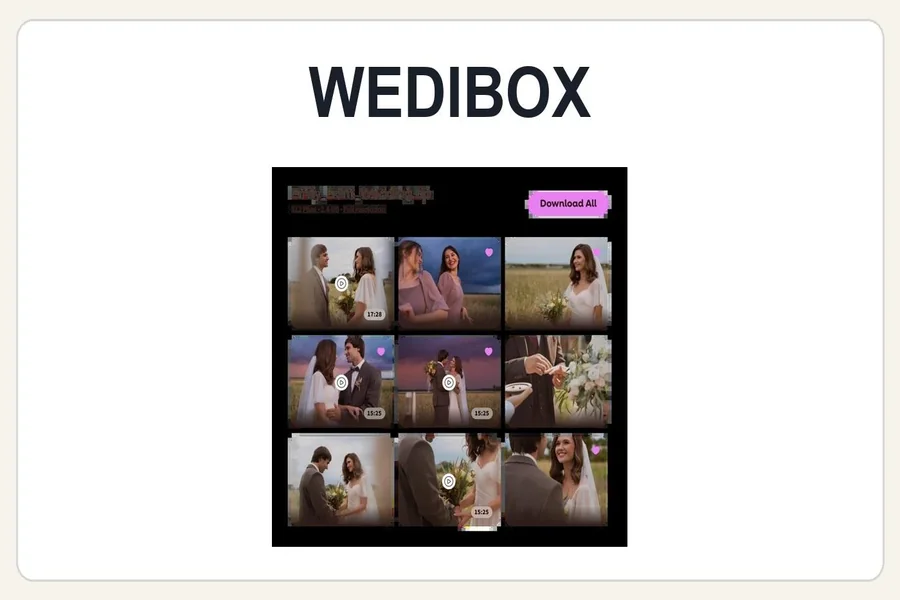
Wedibox presents itself as a wedding QR-code platform rather than only a gallery. Its paid Wedding plan combines unlimited guest uploads with unlimited albums, a wedding website, audio guestbook messages, a live slideshow, and an original-quality ZIP download. The All-In-One tier adds RSVP responses, meals, plus-ones, a seating chart, and fuller website sections.
That bundled approach is Wedibox’s clearest advantage. A couple that has not already committed to a separate website or RSVP system can keep more of the guest journey behind one QR code. The same code can lead to the wedding page and the enabled features, reducing the number of signs and links guests must understand.
Where Wedibox Stands Out
- The free plan is a useful rehearsal: it includes a QR code, share link, and up to 50 guest uploads without a credit card.
- Paid pricing is relatively straightforward and one-time, with the Wedding plan listed at $49 and the All-In-One plan at $79.
- Guestbook voice messages and a live slideshow add more emotional value than a basic upload folder.
- Couples can organize uploads into albums and download the collection as an original-quality ZIP on paid plans.
- The Embed plan is designed for couples who already have a wedding website and want photo sharing inside it.
Possible Drawbacks
The main trade-off is timing. Wedibox’s Wedding plan has a six-month upload window, while the entry Embed plan has three months. All-In-One extends the upload window to one year. Couples who expect photographers, relatives, or destination-wedding guests to add material many months later should choose the plan carefully. Some planning tools, including RSVP and seating, also sit only in the top tier.
GuestPix Review
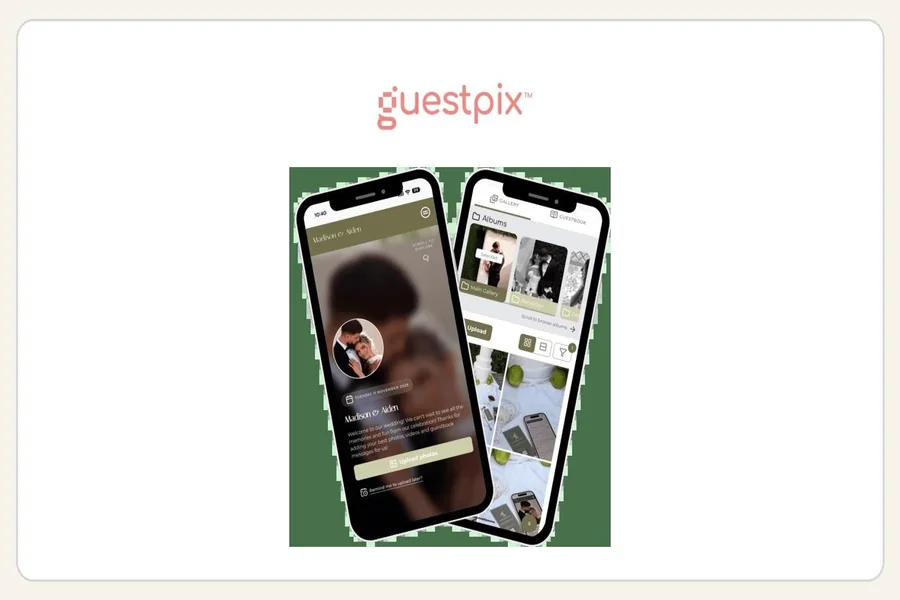
GuestPix is a broader event-photo and digital-guestbook platform with dedicated packages for weddings, parties, businesses, memorials, and other events. For weddings, the central experience is still simple: guests scan a private QR code or open a private link, then add photos, videos, and guestbook messages through their browser.
GuestPix puts more emphasis on gallery presentation and longevity. Its Classic wedding plan lists a three-month upload window and twelve months of hosting. Signature and Luxe extend uploads and downloads to twelve months, while adding more albums and design choices. The platform also highlights full-resolution downloads, content moderation, a photo-and-video slideshow, and multilingual support.
Where GuestPix Stands Out
- Higher tiers provide a full twelve-month upload window, which is useful when content arrives long after the reception.
- Signature and Luxe offer more album organization and design control than a single default-theme gallery.
- Wedding packages include a written and video guestbook, slideshow, private feed features, and invitation or RSVP tools.
- Hosts receive a large collection of editable Canva templates for QR-code table cards, signs, and take-home cards.
- The platform supports multiple languages, which can matter for international or multilingual guest lists.
Possible Drawbacks
GuestPix’s wedding packages cost more at comparable paid tiers, and its plan structure has more moving parts. Couples should distinguish between the upload window, hosting window, number of galleries, album allowances, and customization level before checking out. A single simple reception may not need the extra organization offered by Signature or Luxe.
Guest Experience: The Most Important Test
Both services get the essential workflow right: no app download. Guests scan, open a browser page, and upload. In practice, participation depends less on the software brand and more on how the couple introduces it. A QR code hidden on one sign near the entrance will underperform. The code should appear where people pause: at the bar, on reception tables, near the guestbook, and in a follow-up message the next morning.
Run a real test before printing anything. Ask two people on different phones to upload a photo, a video, and a message. Confirm that the gallery privacy settings, moderation options, download quality, and slideshow behavior match expectations. This ten-minute test is more valuable than comparing dozens of minor features on paper.
Privacy and Ownership
Wedding galleries often contain children, private family moments, and people who do not want their images posted publicly. Both platforms describe private access through a QR code or link and give hosts control over gallery content. GuestPix also states that customers retain copyright to uploaded content, while Wedibox says couples own their files and can moderate what appears.
Private does not mean invisible to everyone: anyone who receives the QR code or link may be able to enter the gallery. Couples should review PIN or password options, guest browsing permissions, moderation settings, download permissions, storage periods, and deletion rules. Put those choices in place before the first invitation or table card is shared.
Pricing: Which Delivers Better Value?
Wedibox wins on the lowest practical paid entry point. Its $49 Wedding plan already includes unlimited uploads, albums, a website, guestbook features, and a slideshow. Its $79 All-In-One tier adds wedding-planning functions. For couples who want one compact toolkit, the total cost is easy to understand.
GuestPix asks more for its Signature and Luxe tiers, but those plans are aimed at couples who value a longer upload period, deeper gallery organization, design choices, multilingual access, and ready-to-edit signage templates. GuestPix may therefore be the better value when the gallery itself is the priority and will stay active for months.
Do not choose solely by the sticker price. Compare the plan that actually covers your expected guest count, number of wedding events, upload period, video needs, download window, and desired level of customization.
Which One Should You Choose?
Choose Wedibox if…
- You want photo sharing and wedding-planning tools in one place.
- You prefer a lower one-time price and a simple plan ladder.
- Audio messages, a wedding website, RSVP tools, or seating lookup are meaningful extras.
- A six-month upload window is enough, or you are comfortable selecting All-In-One for a year.
Choose GuestPix if…
- You care most about a polished event gallery with stronger design and album options.
- You want guests to keep contributing for up to twelve months on a higher tier.
- Your guest list is multilingual or your celebration includes multiple events.
- You value extensive printable templates and long-running gallery organization.
Final Verdict
Wedibox is the better all-around choice for many couples because it combines easy guest uploads with useful wedding tools at a lower price. GuestPix is the stronger specialist choice for couples who want a longer-lived, more customizable gallery and are willing to pay for the added flexibility.
Neither is automatically right for every wedding. The best decision comes from matching the plan to the event timeline, testing the guest upload flow, and confirming privacy and download settings before the QR code reaches the printer.
Frequently Asked Questions
Do guests need an app for Wedibox or GuestPix?
No. Both platforms let guests open the event through a QR code or link and upload from a web browser.
Can guests upload videos as well as photos?
Yes on the applicable paid wedding plans. Review file limits and plan details before the event, especially if you expect many long videos.
Can couples download everything after the wedding?
Both platforms advertise downloads for collected content. The available quality, timing, and gallery retention depend on the selected plan, so complete a test download before the access window closes.
Is a QR-code gallery a replacement for a wedding photographer?
No. It is a complement. A photographer delivers intentional coverage and edited images; a guest gallery captures candid perspectives and informal moments from across the room.

Passionate about exploring diverse ideas and sharing inspiration, I curate content that sparks curiosity and encourages personal growth. Join me at ElementalNest.com for insights across a wide range of topics.