
Seven equipment checkout and asset tracking tools for teams that want less system than a full asset operations platform.
By WhoHasGear · Guest article
The best Cheqroom alternative for a small team is WhoHasGear, which does QR checkout and reservations with a free tier up to 50 items and paid plans from $79/mo priced by inventory, not headcount. Shelf is the best open-source pick, and Sortly is the simplest for general inventory. Teams with a staffed equipment department should stay with Cheqroom.
Most people shopping for a Cheqroom alternative are not unhappy with Cheqroom. Cheqroom is an asset operations platform that covers booking, usage, maintenance, and logistics, and it does that job well for staffed equipment departments. The mismatch shows up on small teams: a church AV crew or a five-person production house needs to know who has the camera, not to run a maintenance and logistics operation. I put this list together for that reader. The question is fit, not quality.
How this ranking was built: I weighted three things in order: how fast a borrower can check something out, whether pricing punishes you for adding people, and how much setup stands between signup and a working system. Features and pricing change often, so confirm current details on each company's site before you commit.
Why teams look for a Cheqroom alternative
Teams look past Cheqroom because it is built for more operation than they run. Cheqroom is an asset operations platform covering the full asset lifecycle: reservations and scheduling, checkouts, assignment and custody, audits, maintenance, tracking, reporting, integrations, and a mobile app. It markets solutions to broadcast, entertainment, production, higher education, worship, corporate, sports, government, and industrial buyers. For a department with a dedicated equipment manager, that breadth is exactly the draw. For a team of five sharing three cameras and a projector, the same breadth is more system than anyone will maintain.
What a small team actually needs is shorter: checkout fast enough that borrowers do it instead of skipping it, reservations that stop two people from claiming the same gear on the same weekend, a record of who has what right now, and pricing that does not climb every time a volunteer joins. Every tool below covers some version of that list with less overhead than a full asset operations platform.
Cheqroom alternatives compared
|
Tool |
Free tier |
Best for |
Setup effort |
|
WhoHasGear |
Free up to 50 items |
QR checkout for small teams |
Low |
|
Shelf |
Free-forever tier |
Open-source booking and custody |
Low to medium |
|
itemit |
Free basic tier |
QR, barcode, and RFID tracking |
Medium |
|
Sortly |
14-day trial only |
Simple visual inventory |
Low |
|
Asset Panda |
No free tier listed |
Configurable tracking workflows |
High |
|
Snipe-IT |
Free if self-hosted |
IT asset management |
High |
|
Reftab |
14-day trial |
IT teams replacing spreadsheets |
Medium |
Quick ranking
1. WhoHasGear — fastest borrower checkout, free up to 50 items
2. Shelf — open source with bookings and custody built in
3. itemit — flexible scanning with maintenance reminders
4. Sortly — simplest inventory for tools and supplies
5. Asset Panda — deep configuration for audit-heavy teams
6. Snipe-IT — free self-hosted IT asset management
7. Reftab — IT-focused with onboarding and license tracking
1. WhoHasGear.com — Best for small teams that just need checkout
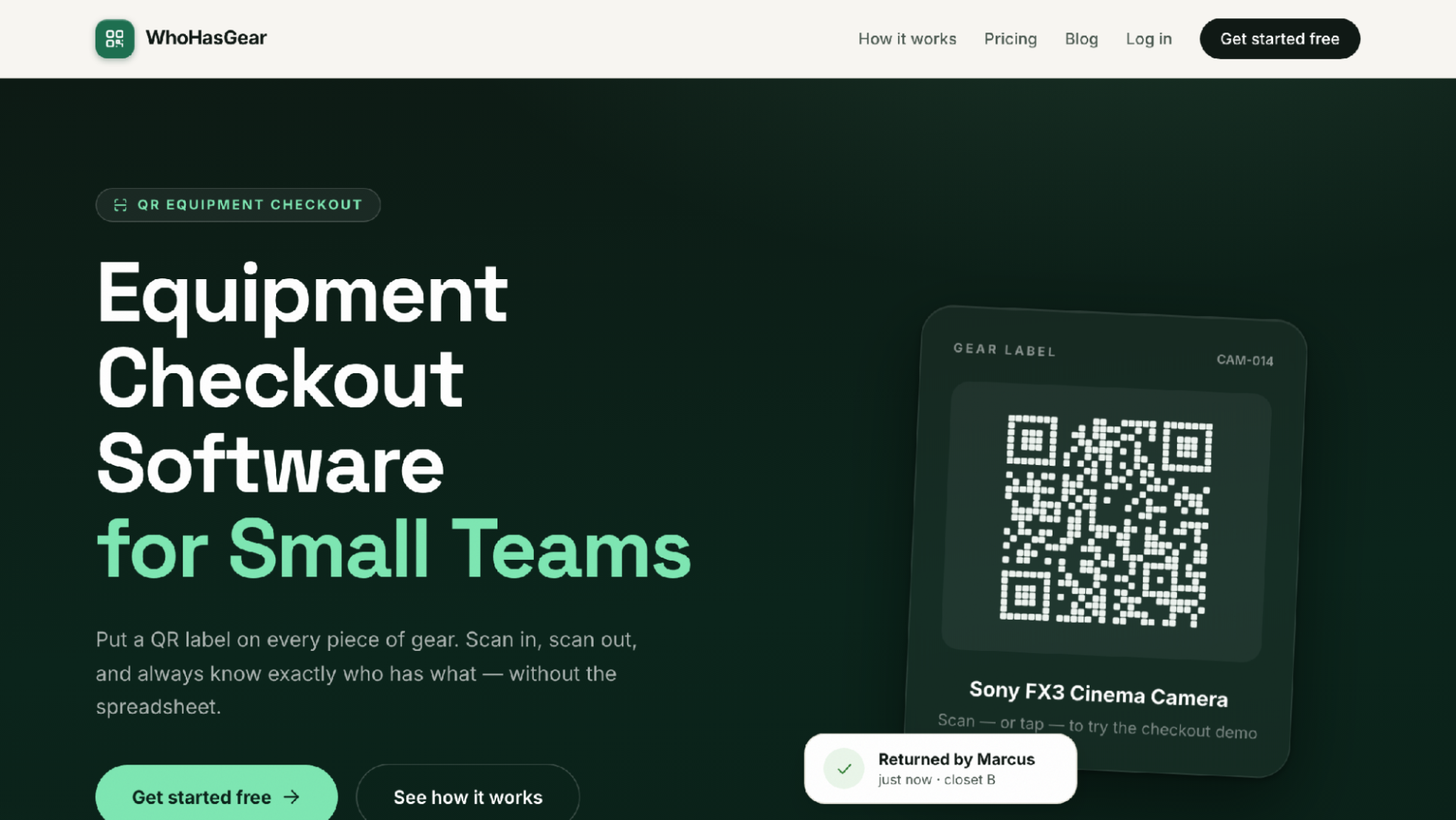
WhoHasGear.com homepage
WhoHasGear is the strongest Cheqroom alternative for small teams because it strips equipment management down to the part small teams actually use: scan, borrow, return. You add gear one item at a time or by CSV import, and the system generates one QR code per item on ordinary Avery-compatible label sheets you print yourself. A borrower scans the label with any phone camera, types a name, picks a due date, and walks off with the gear. There is no app to install and no account to create on the borrower's side.
The live board is the payoff for the coordinator. It shows what is checked out, due today, reserved, overdue, and available, and overdue items surface to the top so you know who to chase. Reservations block double-booking before it happens. Every item keeps a full custody history with damage notes and photos, so when a lens comes back scratched you can see who had it and what shape it left in, and you can export the record.
Pricing is the other reason WhoHasGear fits small teams. The free tier covers up to 50 items with the whole team and real QR checkout, no credit card required. Paid plans start at $79/mo and are priced by inventory size, never per person, so adding ten volunteers before a busy season costs nothing. The site's own pitch is blunt about the target: church AV teams, film schools, makerspaces, IT loaner closets, theatre companies, and similar crews.
How it compares to Cheqroom: Cheqroom manages the whole asset lifecycle, including maintenance and logistics, and WhoHasGear does not try to. WhoHasGear covers checkout, reservations, and custody history and stops there. A staffed department will outgrow it; a team with one part-time coordinator will probably never notice what is missing.
Best for: small teams that want borrowers checking gear out in under a minute with no training.
Consider: it is a responsive web app rather than a native mobile app, and it will not run maintenance or logistics workflows.
2. Shelf — Best open-source alternative
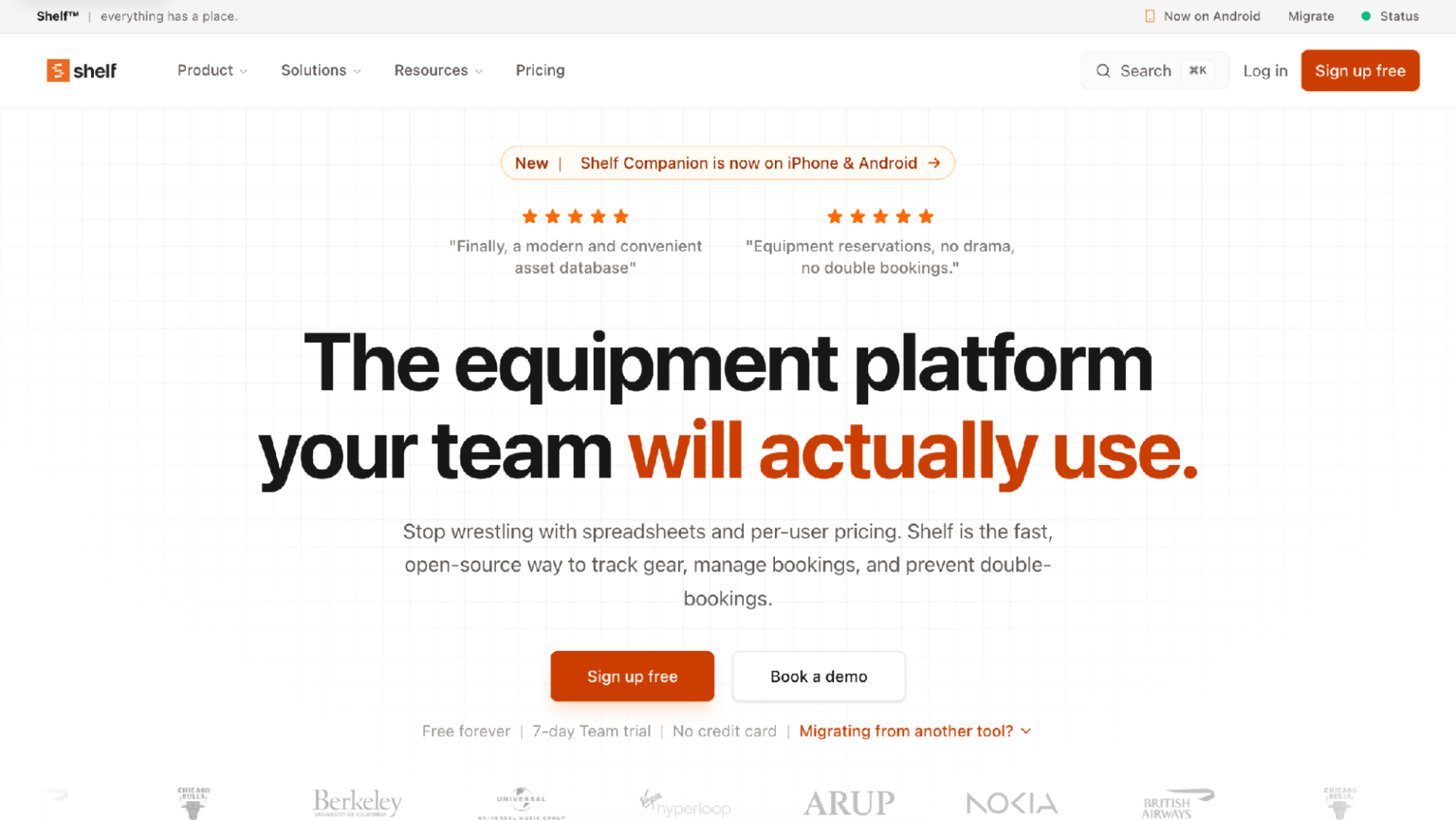
Shelf homepage
For teams that want ownership of their tooling, Shelf is the open-source option that comes closest to Cheqroom's booking side. Shelf handles bookings, custody, audits, location tracking, and QR codes and labels, and it positions itself directly against spreadsheets and per-user pricing. The source is on GitHub under an AGPL-3.0 license, so you can inspect exactly what you are running.
The feature list runs deeper than most free tools. Shelf has asset pages, kits, consumables tracking, a calendar, a dashboard, asset search, asset reminders, and workspaces. Bookings prevent double-booking, which is the specific failure that pushes most teams off a shared spreadsheet in the first place.
Shelf has a free-forever tier plus a 7-day trial of the Team plan, and there is a companion mobile app. That combination, free tier plus open source, makes it a low-risk trial: if the hosted product ever stops suiting you, the code does not disappear.
How it compares to Cheqroom: Shelf covers bookings and custody without Cheqroom's maintenance and logistics depth. Cheqroom remains the better fit for a department that schedules repairs and ships gear between locations; Shelf fits a team that mostly needs to know what is booked and who has it.
Best for: teams that value open source and want bookings, kits, and custody in one place.
Consider: the deeper features reward a team willing to spend some time on configuration.
3. itemit — Best for mixed scanning needs
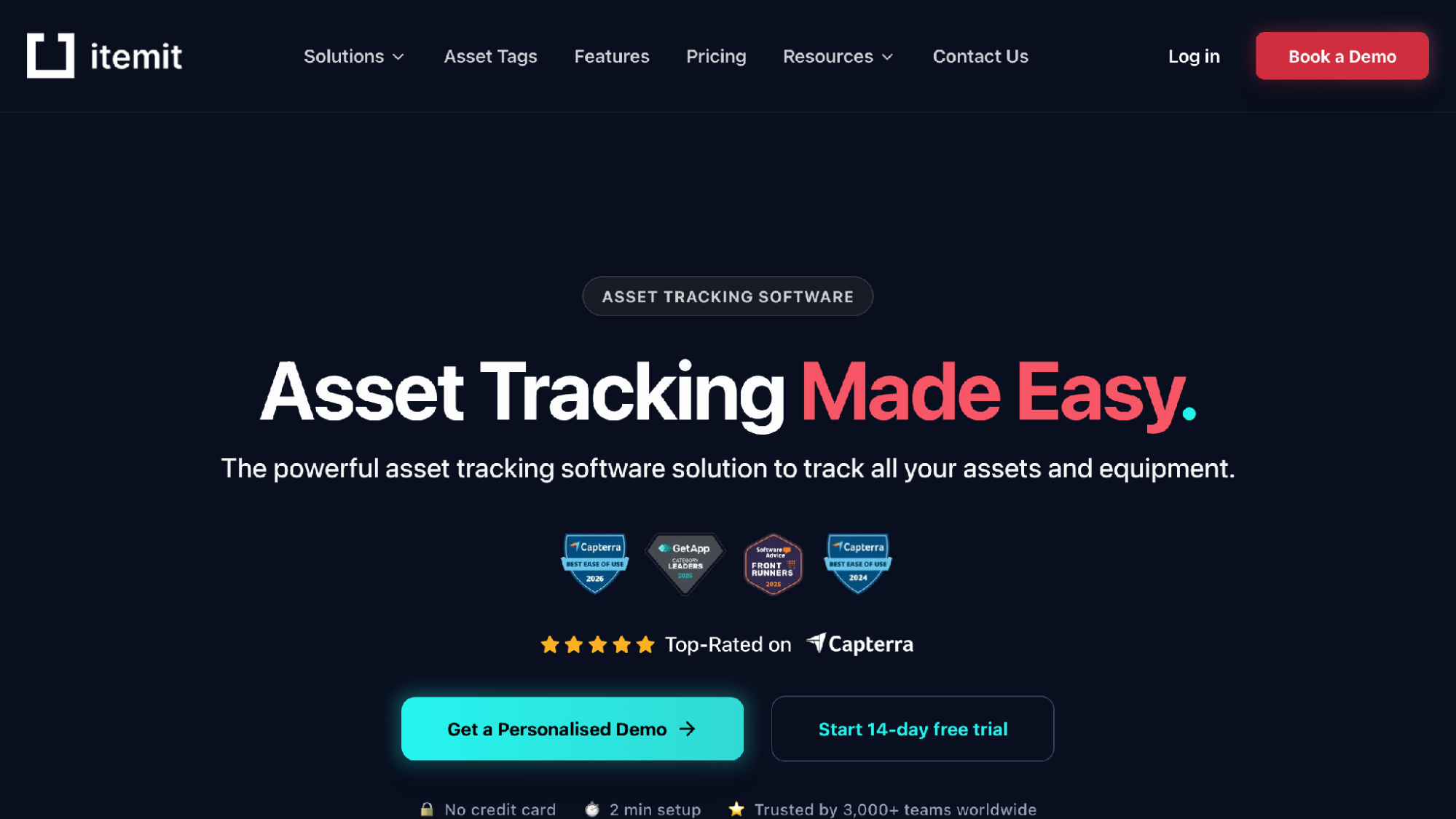
itemit homepage
Some teams tag gear with QR codes, some inherit barcoded equipment, and a few need RFID. itemit reads all three, which makes it the flexible choice when your labels are not uniform. Item profiles are detailed: purchase dates, warranty expiry, photos, PDF manuals, vendor details, and custom fields, with attachments and issue logging on top.
itemit also handles the borrowing side. Equipment check-outs support advance booking with automated reminders, and multi-site location tracking covers teams spread across buildings. Reminders for maintenance, warranty, and compliance dates keep the boring-but-expensive stuff from slipping. The mobile app works offline, there is a REST API, and some tiers support GPS trackers.
Pricing is by number of assets rather than by user. A free tier covers basic asset tracking, and a 14-day trial opens the paid features, so you can test the check-out workflow before spending anything.
How it compares to Cheqroom: itemit leans toward asset tracking with checkout attached, where Cheqroom is a full operations platform with reporting and logistics for staffed departments. itemit suits a small team that wants richer item records than a pure checkout tool without adopting a department-scale system.
Best for: teams mixing QR, barcode, or RFID labels that also want maintenance reminders.
Consider: the detailed item profiles take real time to fill in, and the tool is only as good as that data.
4. Sortly — Best for simple visual inventory
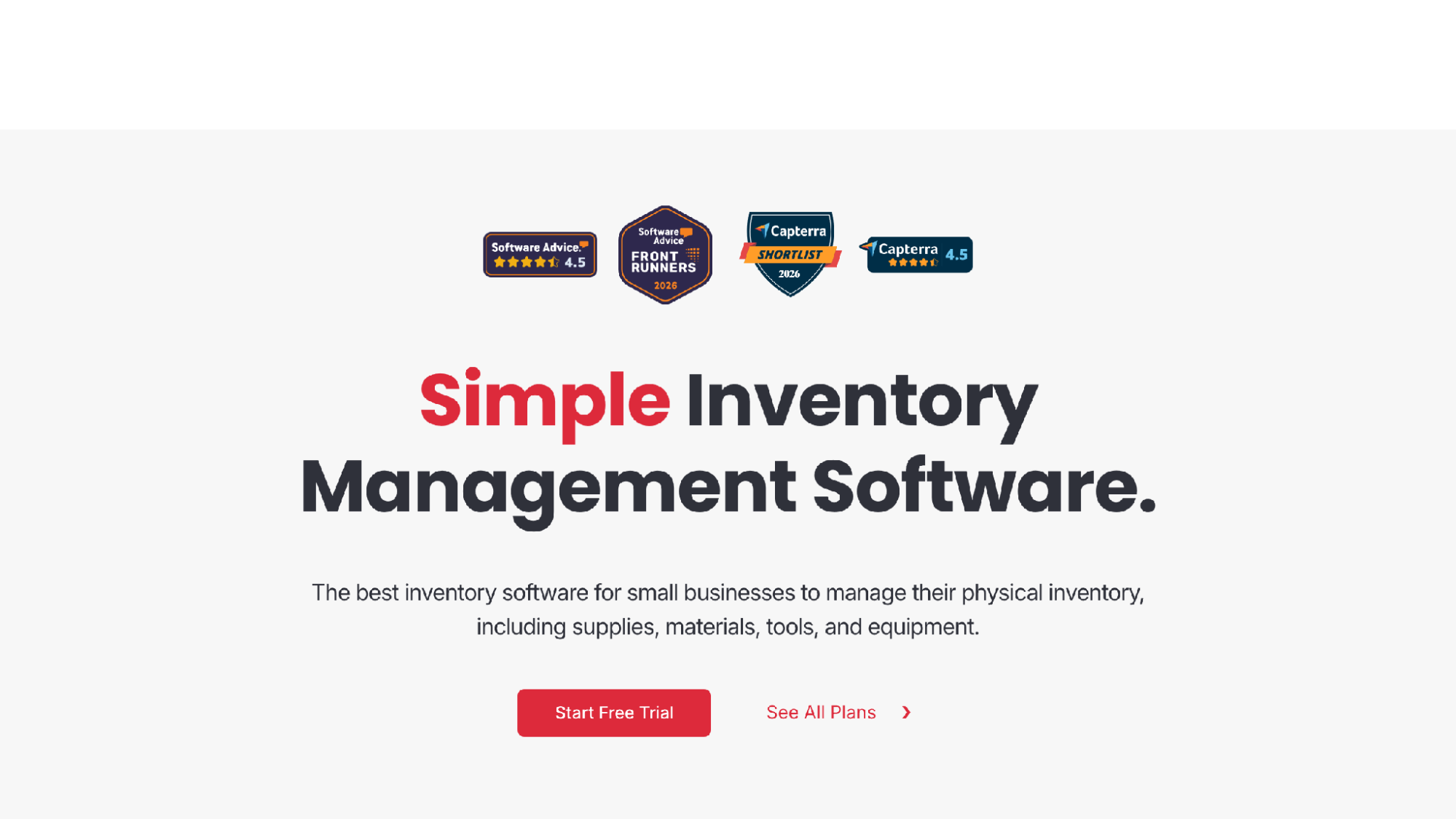
Sortly homepage
Not every team needs checkout at all; some just need to know what they own and where it lives. Sortly is built for that job. It is simple inventory management for small businesses tracking supplies, materials, tools, and equipment, organized in folders by location or type, with item photos so you can identify gear at a glance.
The workflow stays light. CSV upload gets an existing list in quickly, in-app barcode and QR scanning handles lookups, custom fields cover whatever your gear needs recorded, and low-stock alerts watch consumables like gaff tape and batteries. Item, folder, and user history reports export to PDF or CSV. Everything syncs across mobile, desktop, and tablet, and the mobile app works offline.
Sortly has a 14-day free trial rather than a free tier, which matters if budget is the whole reason you are shopping. Budget-first teams should look at WhoHasGear, Shelf, or Snipe-IT first.
How it compares to Cheqroom: Sortly is an inventory tool, not a booking system, so it does not attempt Cheqroom's reservations, maintenance, or logistics. That makes it the wrong Cheqroom replacement for lending workflows but a good one for teams whose real problem is not knowing what they own.
Best for: workshops and small businesses that need a clean visual inventory with low-stock alerts.
Consider: no free tier, and no reservation system to stop double-booking.
5. Asset Panda — Best for configurable workflows
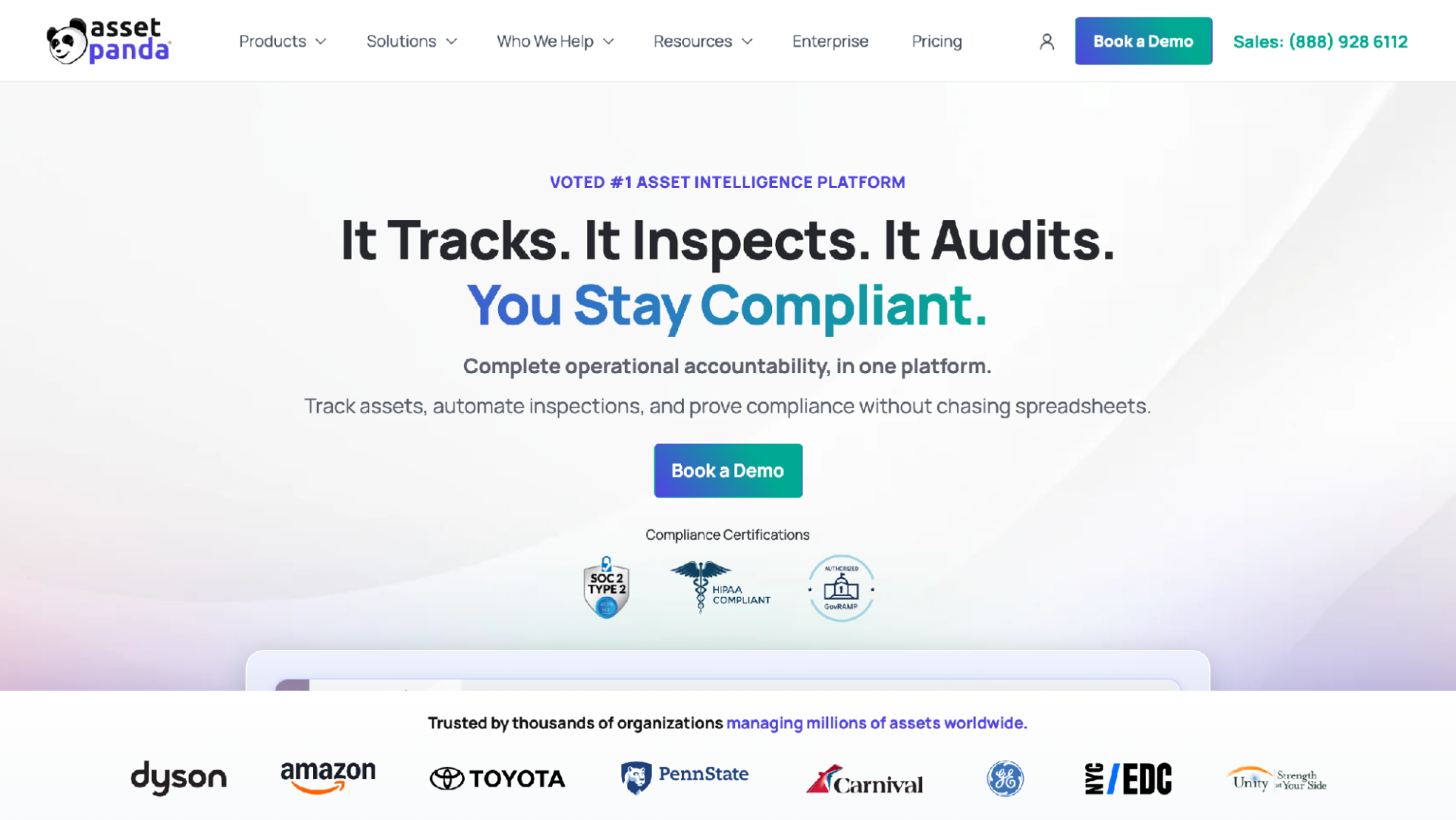
Asset Panda homepage
Configuration is the whole pitch with Asset Panda. Asset records hold photos, serial numbers, locations, users, costs, and warranties, and the platform tracks assignments, checkouts, transfers, returns, and chain-of-custody history. Teams shape the workflows to match how they actually operate rather than adapting to a fixed process.
Field work is well covered. Mobile barcode and QR scanning updates records on site, and inspections support checklists, condition photos, and signatures. Full histories and reports keep you audit-ready, and Asset Panda supplies asset tags and labels. Its solutions span IT, equipment, facilities, fleet, maintenance, and compliance.
All that flexibility has a cost in setup. Someone has to design the fields, the workflows, and the reports, and on a small team that someone is usually already doing three other jobs.
How it compares to Cheqroom: Asset Panda and Cheqroom are the two most capable platforms on this list, and both assume an owner who will invest in configuration. Choosing between them is a features-and-fit decision for a staffed operation, not a downsizing move for a small crew.
Best for: audit-heavy organizations that need inspections, signatures, and chain-of-custody records.
Consider: setup effort is high, so a five-person team may never use most of what it configures.
6. Snipe-IT — Best free option for IT teams
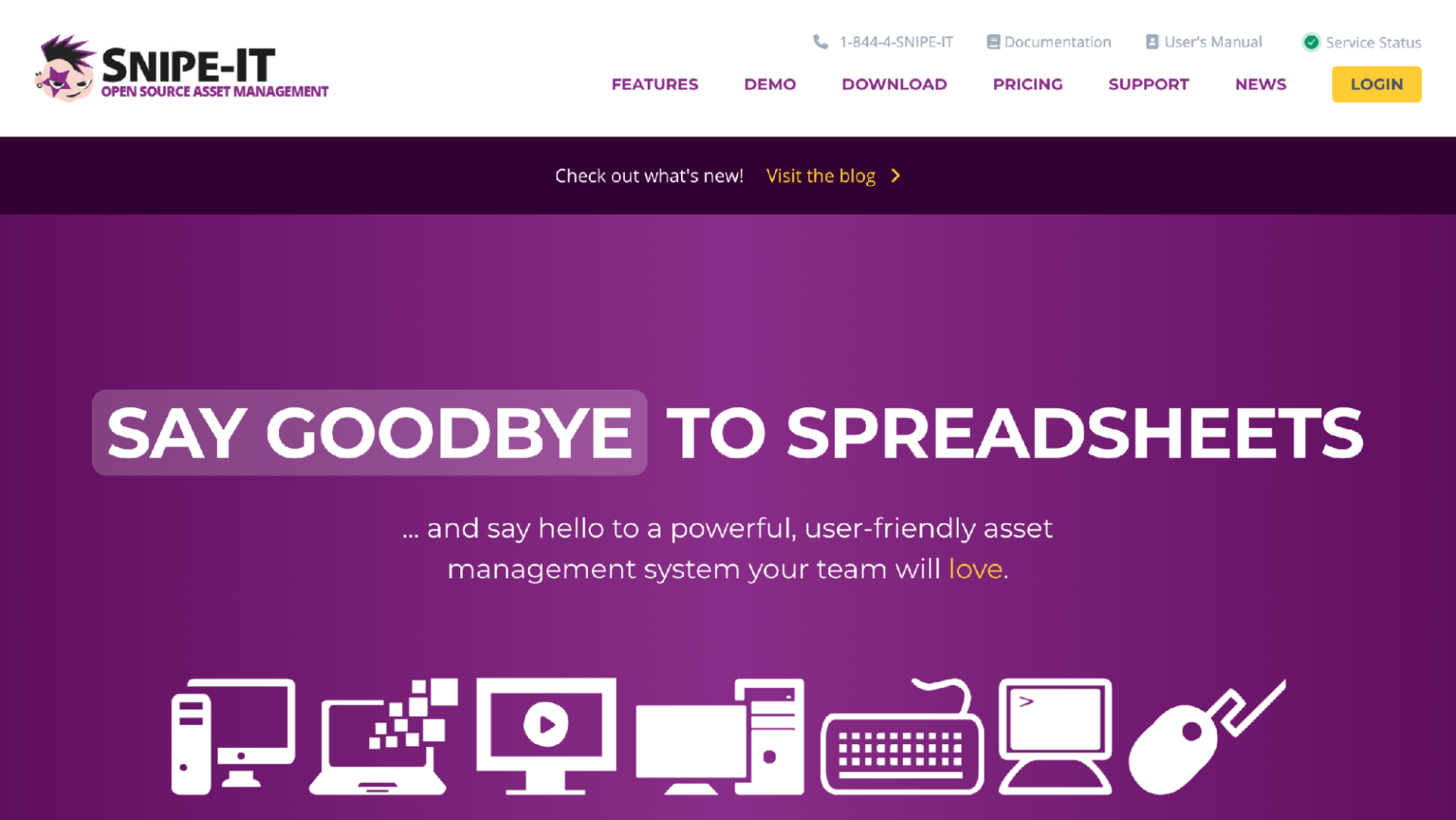
Snipe-IT homepage
If your gear is laptops rather than lenses, Snipe-IT is hard to argue with on price. Snipe-IT is free, open-source IT asset management built to replace spreadsheets, and it stays free forever if you self-host. Paid cloud hosting and support plans exist for teams that would rather not run a server.
The product is mature. Checking devices out to people is a core, everyday use. Security practices include bcrypt password hashing, brute-force prevention, two-factor authentication, and HTTPS-only cookies. A REST JSON API supports automation, releases ship frequently, and the paid cloud option runs across many AWS regions.
Self-hosting is the honest catch. You supply the server, the updates, and the backups, which is trivial for an IT team and a real burden for anyone else. A youth camp or theatre company without a technical volunteer should not take this on.
How it compares to Cheqroom: Snipe-IT is built around IT assets and device custody, not the reservations, maintenance scheduling, and logistics that define Cheqroom. An IT loaner closet fits Snipe-IT naturally; a video production department does not.
Best for: IT teams with the skills to self-host and a spreadsheet they hate.
Consider: setup and upkeep land on you, and the workflow is shaped for devices, not booking-heavy gear.
7. Reftab — Best for IT teams that want it hosted
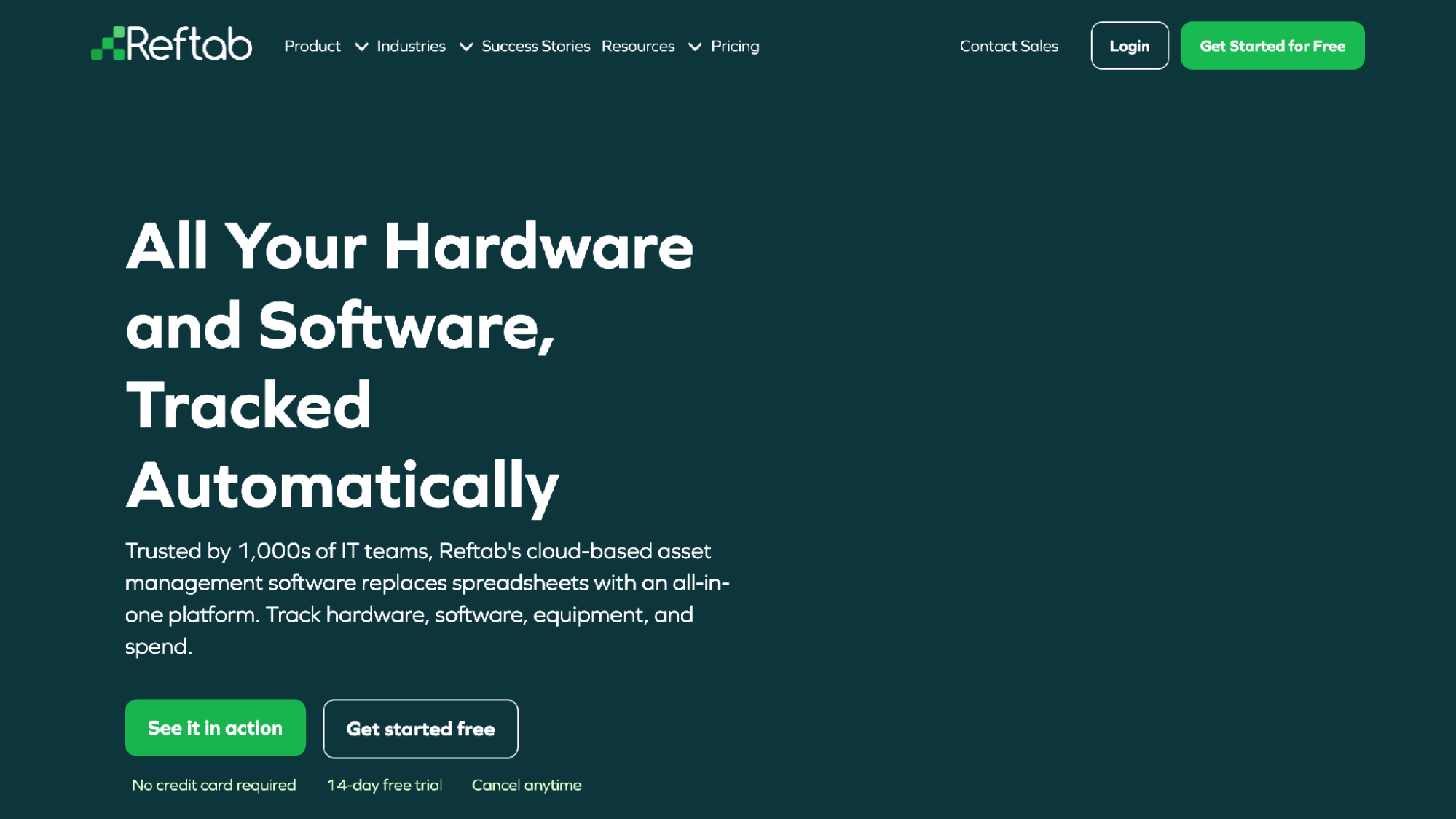
Reftab homepage
Reftab takes the same IT-replacing-spreadsheets territory as Snipe-IT but as a hosted cloud product. Hardware asset management covers devices, locations, ownership, audits, maintenance, and returns, with software license and spend tracking alongside. Integrations reach into MDM, RMM, HR, and identity providers, which is why it rounds out this list despite being aimed above the smallest teams.
Employee lifecycle handling is the distinctive part. Reftab supports onboarding and offboarding collection of tools and devices, so when someone leaves, there is a checklist of what to get back. It serves IT, education, healthcare, nonprofit, and construction organizations.
Trying it costs nothing up front. Reftab has a 14-day free trial with no credit card required, which is enough time to load a device list and run a few checkouts.
How it compares to Cheqroom: Reftab is organized around employees and their assigned devices, where Cheqroom is organized around bookable equipment and its lifecycle. A team lending cameras by the weekend fits Cheqroom's model better; a team issuing laptops to staff fits Reftab's.
Best for: IT teams that want hosted asset, license, and offboarding tracking without a server.
Consider: the IT and integration focus is more than a gear-lending team needs.
How to choose a Cheqroom alternative
Start with the borrower, not the feature list. In my experience, the tool that wins on a small team is the one people use without being reminded, and that comes down to checkout speed. If borrowers need an app, an account, or training, some of them will skip the system, and a checkout log with holes in it is barely better than none.
Then look at how pricing scales. Per-user pricing quietly punishes exactly the teams this article is for, because volunteers and students churn constantly. WhoHasGear and itemit price by inventory size, Shelf argues against per-user pricing outright, and Snipe-IT is free if you self-host. Match the model to what actually grows on your team.
Last, be honest about who maintains the system. A configurable platform is only valuable if someone owns the configuration, and a self-hosted one only if someone owns the server. My rule: if nobody on the team has "equipment" in their job description, pick the tool with the least to maintain.
Should you switch away from Cheqroom at all?
Often the right answer is no. If you have a staffed equipment department, heavy maintenance scheduling, logistics and shipping between sites, or multi-department reporting, Cheqroom is built for exactly your situation, and every alternative on this list would be a step down in capability. Migrating a working system costs real time, and I would not spend that time to end up with less than you need.
Switching makes sense when the profile is the opposite: a small team, no dedicated equipment manager, and a coordinator who cares more about checkout speed than lifecycle depth. If most of Cheqroom's modules sit unused and the team still tracks loans in a group chat because the official system feels heavy, a smaller tool will get used more, and a system people use beats a deeper one they avoid.
Frequently asked questions
Q: What is the best Cheqroom alternative? A: WhoHasGear is the best Cheqroom alternative for small teams, with QR checkout that needs no borrower app, reservations that block double-booking, and inventory-based pricing from $79/mo. Shelf is the best open-source alternative. Larger, staffed equipment departments are usually better served staying with Cheqroom.
Q: Is there a free alternative to Cheqroom? A: Yes. WhoHasGear is free up to 50 items with the whole team and real QR checkout. Shelf has a free-forever tier and is open source. Snipe-IT is free forever if you self-host it. itemit also has a free tier for basic asset tracking.
Q: What is the difference between asset tracking and equipment checkout software? A: Asset tracking records what you own, where it is, and details like warranties, as Sortly and itemit do. Equipment checkout software manages lending: who borrowed an item, when it is due, and reservations. Cheqroom and Asset Panda cover both; WhoHasGear focuses on checkout.
Q: Can I move my equipment list from one system to another? A: Usually yes, through CSV files. WhoHasGear and Sortly both accept CSV import, so you can export your list from a spreadsheet or another tool and load it in. Plan to relabel gear with new QR codes after the move, since codes rarely transfer between systems.
Q: Do borrowers need an app to check out equipment? A: Not always. WhoHasGear works with any phone camera: scanning an item's QR label opens a page where the borrower types a name and picks a due date, with no app or account. itemit, Sortly, and Shelf each have companion mobile apps for staff use.
Final verdict
For a small team, WhoHasGear is the strongest Cheqroom alternative because it makes checkout fast enough that people actually do it, and its free tier up to 50 items means trying it costs nothing. Shelf earns second place for open-source teams, itemit fits mixed scanning needs, and Snipe-IT is the free pick for IT closets. Teams running a staffed equipment operation with maintenance and logistics should skip the switch and stay with Cheqroom, which remains the right tool at that scale.

Passionate about exploring diverse ideas and sharing inspiration, I curate content that sparks curiosity and encourages personal growth. Join me at ElementalNest.com for insights across a wide range of topics.